
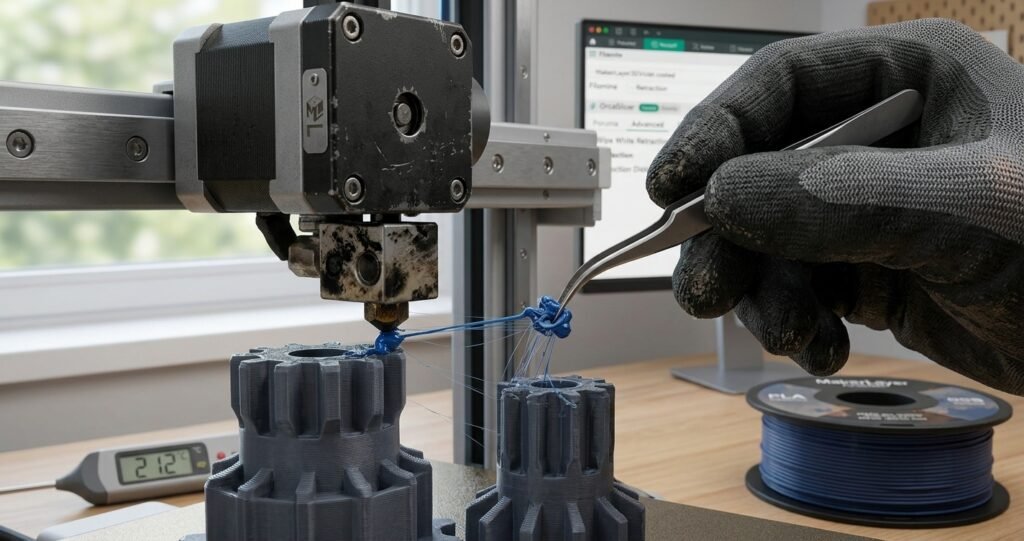
Few things are as frustrating in desktop 3D printing as finishing a long print job only to find it covered in fine, hair-like plastic webs. Globally known as stringing (or “oozing”), this defect occurs when molten filament leaks from the nozzle while the toolhead travels across open air spaces between different print sections.
While stringing rarely compromises the structural integrity of a functional part, it requires tedious post-processing with heat guns or craft knives and leaves behind an unrefined surface finish.
In this practical troubleshooting guide, you will learn the exact physical causes of stringing and how to permanently eliminate it by fine-tuning retraction settings, nozzle temperatures, filament drying protocols, and advanced slicer settings in OrcaSlicer, Bambu Studio, or Cura.
📌 Key Takeaways
- Retraction Fine-Tuning: How to calibrate optimal retraction distance and retraction speed for Direct Drive vs. Bowden setups.
- Thermal Management: The direct link between excessive hotend temperatures and gravity-induced oozing.
- Filament Drying: Why absorbed atmospheric moisture in PETG and TPU is the #1 hidden cause of stubborn stringing.
- Slicer Optimization: Utilizing Wipe, Z-Hop, and Avoid Crossing Walls in OrcaSlicer to conceal travel moves.
1. What Causes 3D Print Stringing?
Stringing is driven by two main physical forces: pressure and viscosity. When the extruder gears stop pushing filament during a non-printing travel move, residual thermal pressure inside the hotend melt zone continues to force liquid plastic out through the nozzle orifice.
If the plastic is overheated (making it overly fluid) or saturated with moisture (creating expanding steam pockets), oozing is virtually guaranteed.
2. Step 1: Calibrating Retraction (Distance & Speed)
Retraction pulls the filament strand back slightly before a travel move occurs, relieving internal melt-zone pressure and creating a negative suction effect.
A. Retraction Distance
- Direct Drive Extruders: With the motor mounted directly above the hotend, the filament path is short and rigid. Optimal distances range between
0.4 mmand1.2 mm. - Bowden Tube Extruders: Due to mechanical play inside long PTFE guide tubes, Bowden systems require greater retraction distance, typically between
3.0 mmand6.0 mm.
⚠️ Warning: Excessive retraction on Direct Drive systems (exceeding 2.0 mm) can pull molten plastic up into the cold side of the heatbreak, causing severe hotend clogs.
B. Retraction Speed
The speed at which the extruder motor retracts the filament must be fast enough to snap the molten plastic stream cleanly without chewing through the filament drive gears.
- Recommended Range:
30 mm/sto50 mm/s.
3. Step 2: Optimizing Printing Temperature
Operating at hotend temperatures above material specifications drastically lowers plastic viscosity, causing gravity to draw liquid filament straight down through the tip.
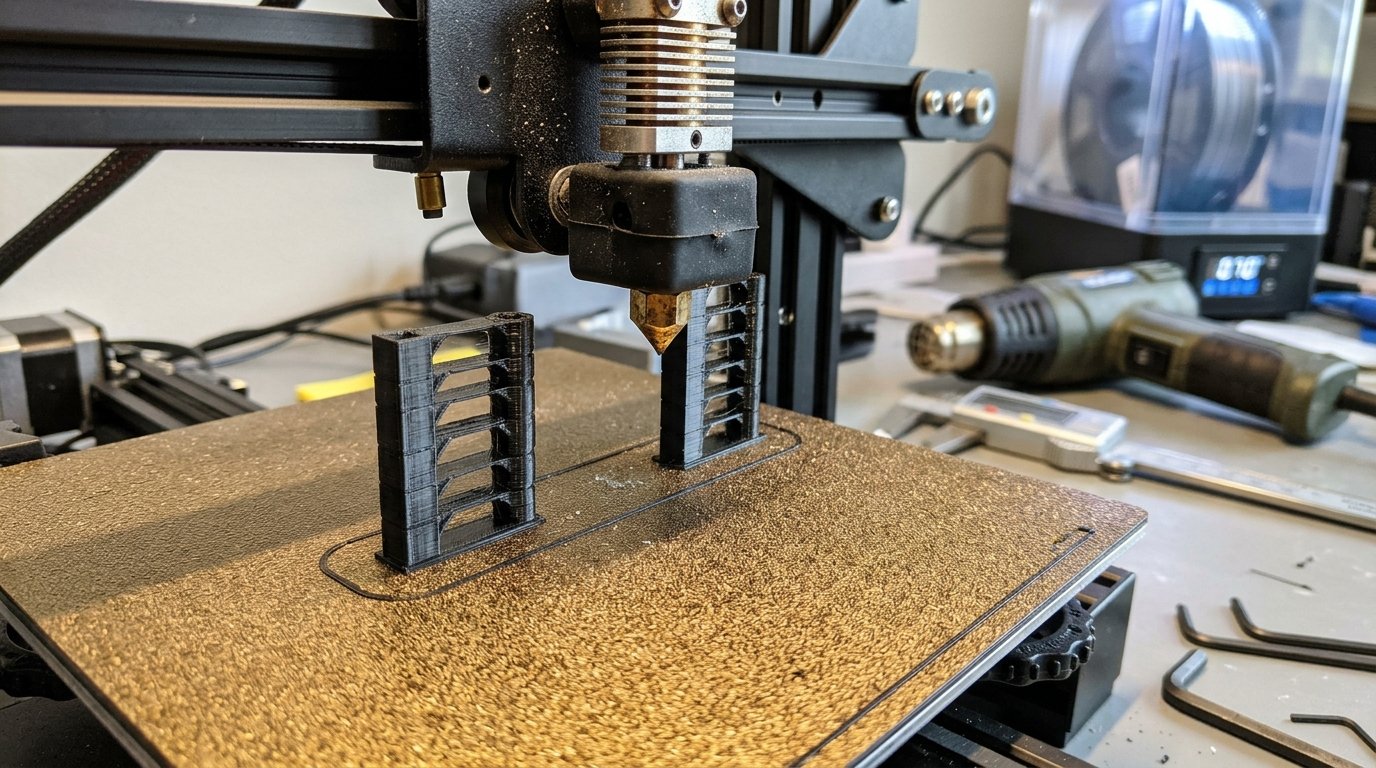
- Print a Temperature Tower: In OrcaSlicer, select Calibration > Temp Tower.
- Identify the Sweet Spot: Look for the temperature block where bridging performance remains sharp while stringing branches completely disappear.
- Decrease in 5 °C Increments: If printing PLA at 215 °C yields heavy stringing, drop your hotend temperature down to 205 °C or 200 °C
4. Step 3: Filament Drying (The Hidden Culprit)
If you have dialed in retraction and lowered your temperatures, but thin hair-like stringing persists alongside tiny popping or crackling sounds during extrusion, your filament is saturated with moisture.
Hygroscopic polymers like PETG, TPU, ABS, and even older PLA absorb ambient atmospheric humidity. When heated past 200 °C inside the hotend, trapped water vaporizes instantly. These micro-steam explosions force molten plastic out of the nozzle regardless of how high your retraction distance is set.
- PETG & TPU: Should always be stored and fed from dedicated filament dryers or sealed dry boxes with active desiccant.
- Drying Duration: 4 to 6 hours in a dedicated dryer at 50 °C (PLA) or 65 °C (PETG/ABS).
5. Advanced Slicer Tricks in OrcaSlicer
OrcaSlicer features modern motion planning tools specifically designed to hide stringing:
- Wipe While Retracting: Moves the nozzle backward over the inner perimeter wall during retraction to wipe excess plastic off the nozzle tip before crossing open air.
- Avoid Crossing Walls: Reroutes travel paths to stay within the internal infill boundaries of the 3D model, preventing stray droplets from crossing visible outer surfaces.
- Z-Hop Mode: Lifts the nozzle slightly during travel moves. Tip: In OrcaSlicer, select
SlopeorNormalZ-hop to avoid pulling vertical hair strings on fine top surfaces.
6. Quick Troubleshooting Guide
| Symptom | Primary Cause | Quick Fix |
|---|---|---|
| Fine cobweb-like wisps | Hotend temperature slightly high | Reduce nozzle temp by 5 °C to 10 °C |
| Heavy plastic branches & blobs | Insufficient retraction distance | Increase retraction distance by +0.2 mm |
| Constant stringing with popping noises | Wet/moist filament spool | Dry filament in dedicated dryer for 6 hours |
| Stringing on flexible TPU | Excessive retraction/speed | Disable retraction or limit to 0.5 mm at 15 mm/s |
Final Verdict
Fixing 3D print stringing requires a methodical approach: always ensure your filament is completely dry first, run a temperature tower to find your material’s ideal thermal range, and fine-tune retraction distance in small increments. With this simple workflow, your prints will come off the bed crisp, clean, and ready to use!