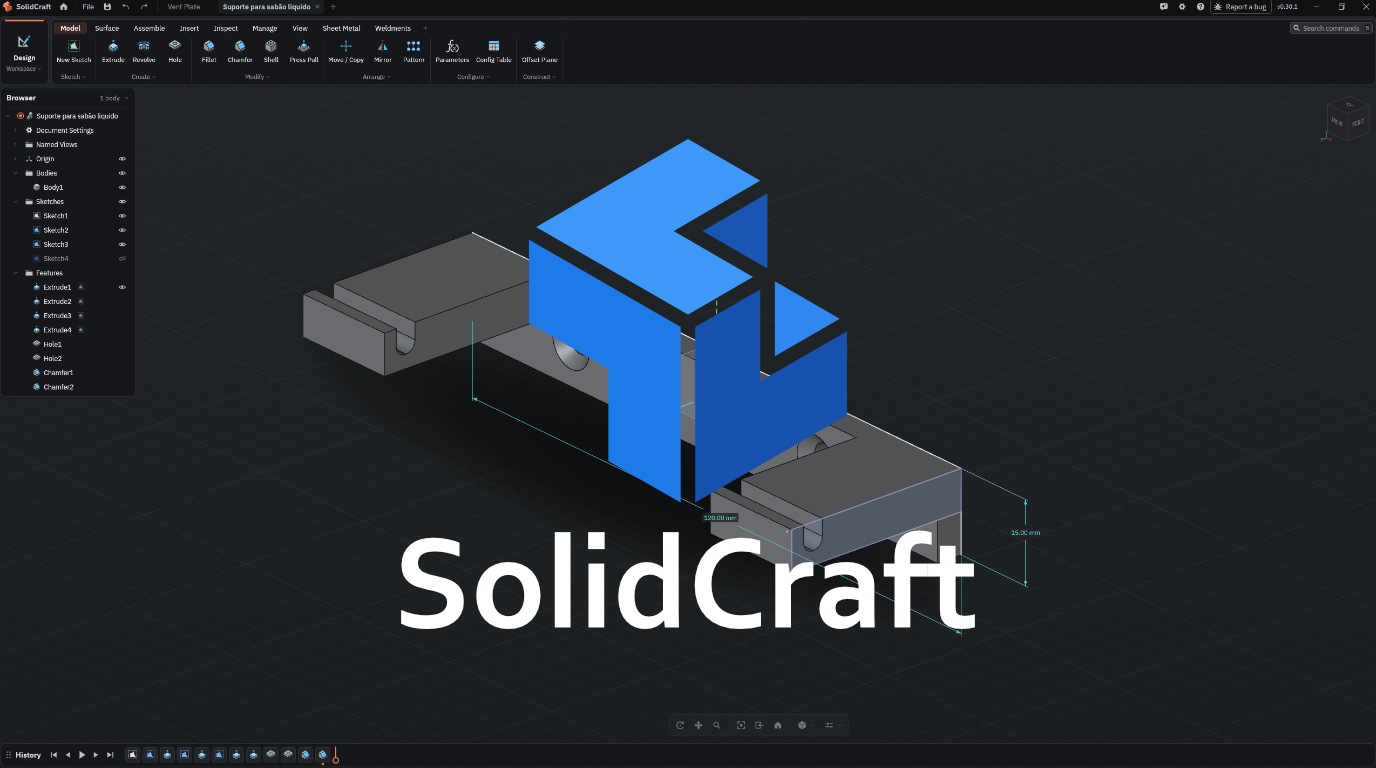

If you follow the 3D printing and maker community, you have likely heard buzz surrounding SolidCraft. This software has been generating significant attention among enthusiasts and designers by offering a modern, intuitive approach to 3D modeling and prototyping.
But does SolidCraft live up to the hype? Can it compete with established CAD packages like Fusion 360 or FreeCAD for desktop 3D printing workflows?
In this overview, we break down SolidCraft’s core features, its advantages for additive manufacturing, mesh export capabilities, and whether it deserves a place in your design toolkit.
📌 Key Takeaways
- User Experience: How SolidCraft streamlines 3D modeling for makers and hobbyists.
- 3D Printing Workflow: Direct export to 3MF/STL formats and seamless slicer integration.
- Dimensional Accuracy: Handling tolerances for functional mechanical fits.
- Software Head-to-Head: SolidCraft vs. Fusion 360 vs. FreeCAD.
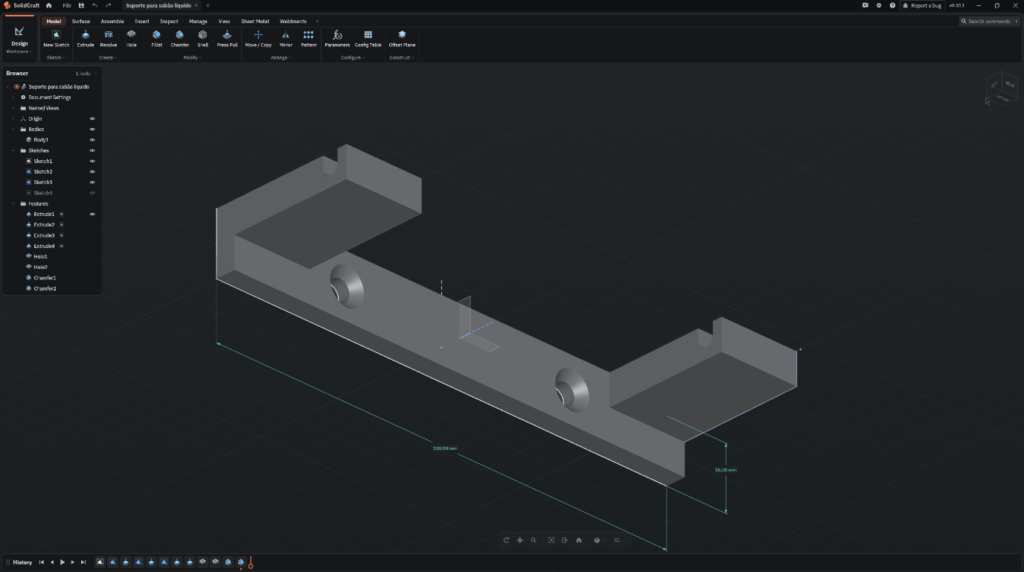
1. What is SolidCraft?
SolidCraft is designed as a streamlined 3D modeling application tailored for rapid creation and functional prototyping. It aims to eliminate the steep learning curve traditionally associated with industrial CAD software, allowing creators to produce functional 3D printable parts efficiently.
For the desktop 3D printing community, this translates to spending less time negotiating complex menu hierarchies and more time bringing designs to life on the build plate.
2. Standout Features for 3D Printing Enthusiasts
Designing parts specifically for additive manufacturing requires dedicated tools. SolidCraft focuses on key maker requirements:
- Tolerance Management: Simple controls for adding offset clearances to printed hinges, threads, and snap-fit joints.
- Modern 3MF Exporting: Native support for the 3MF format, preserving multi-body data to simplify material assignment in OrcaSlicer or Bambu Studio.
- Wall Thickness Verification: Quick analysis tools to ensure features conform to standard nozzle extrusion widths (e.g., 0.4 mm).
3. SolidCraft to Slicer Workflow
A smooth maker workflow needs to be friction-free. Transitioning a design from SolidCraft to your printer takes just three steps:
- Part Design: Model the geometry while taking print orientation and overhangs into account.
- Mesh Inspection: Automated checks for non-manifold edges prior to export.
- Slicer Import: Export directly as 3MF for immediate slicing in OrcaSlicer.
4. Feature Comparison
| Feature / Trait | SolidCraft | Fusion 360 | FreeCAD |
|---|---|---|---|
| Learning Curve | Low to Moderate | Moderate to High | High |
| Primary Focus | Prototyping & Makers | Industrial Engineering | Open-Source Parametric |
| 3MF / STL Export | Native & Streamlined | Comprehensive | Requires Configuration |
| Best For | Quick functional models | Complex assemblies | Open-source purists |
Final Verdict
If you are looking for an accessible CAD alternative that focuses on speed and usability without the friction of heavy enterprise tools, SolidCraft is worth evaluating. It fills a strong middle ground between initial concept design and slicing in OrcaSlicer for modern makers.